

 mediaboxent.com
 Opening: The prospect of running Android TV within a VirtualBox environment on your computer is intriguing for developers, testers, and enthusiasts alike. It offers a sandboxed environment for experimentation, debugging, and exploring the Android TV ecosystem without requiring a dedicated device. This review examines the potential benefits and drawbacks of this approach.
Advantages:
- Development and Testing: VirtualBox provides a convenient platform for developing and testing Android TV applications. Developers can easily deploy and debug their apps without needing a physical Android TV device.
- Security: A virtualized environment isolates the Android TV operating system from the host machine, mitigating potential security risks associated with installing untrusted applications or modifications.
- Resource Sharing: The virtualized Android TV instance can leverage the host computer's resources, such as CPU, RAM, and storage, potentially offering better performance compared to low-end Android TV boxes.
- Customization: VirtualBox allows users to customize the virtual machine's configuration, enabling them to experiment with different Android TV versions, system settings, and hardware configurations.
- Snapshots and Rollbacks: The ability to create snapshots of the virtual machine's state allows users to easily revert to previous configurations, minimizing the risk of data loss or system instability.
Disadvantages:
- Performance Overhead: Virtualization introduces overhead, potentially leading to performance degradation compared to running Android TV on a native device. Graphics performance, in particular, may be limited.
- Hardware Compatibility: Certain hardware features of Android TV devices, such as specific remote control functionalities, tuners, or advanced codecs, may not be fully supported within VirtualBox.
- Complexity: Setting up and configuring Android TV within VirtualBox can be technically challenging, requiring familiarity with virtualization software, Android OS images, and command-line tools.
- Licensing Restrictions: The legality of running certain Android TV images within VirtualBox may be subject to licensing restrictions, particularly if the images are proprietary or contain copyrighted content. It's essential to ensure compliance with the relevant terms of service.
- Limited Input/Output: Interacting with the Android TV virtual machine can be cumbersome, as emulating remote control functionality can be inefficient and less intuitive than using a physical remote.
Conclusion: Running Android TV in VirtualBox presents a valuable tool for developers and testers, offering a controlled environment for development and experimentation. However, the performance overhead, hardware limitations, and setup complexity may make it less suitable for casual users seeking a simple Android TV experience. The decision to use this approach should be based on the specific use case and technical expertise of the user. Consideration should also be given to licensing implications and potential alternative solutions, such as dedicated Android TV development kits.
January 19, 2023
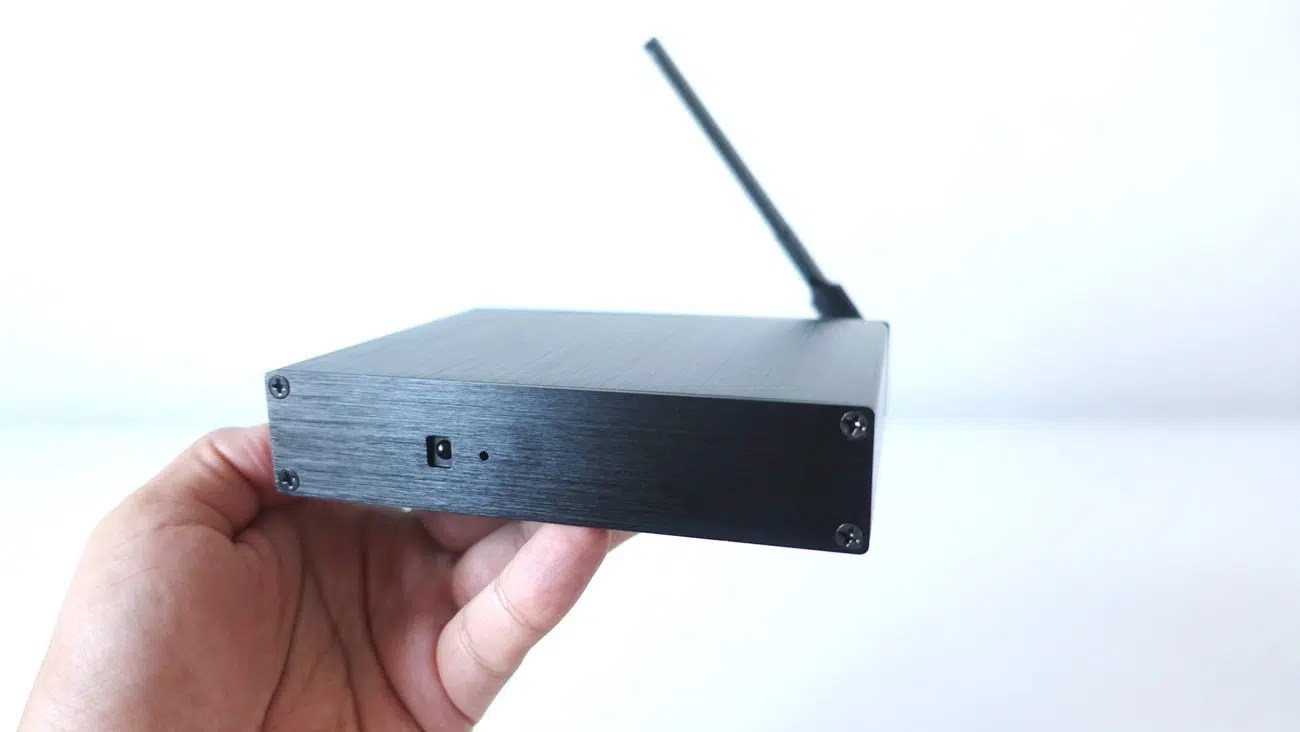 androidtvbox.eu
 Android Tv Box
mediaboxent.com Best Android Tv Boxes In 2021
 www.androidcentral.com


0 komentar:
Posting Komentar